

Description
Download KooRaRoo Media – DLNA player, multimedia file player, media streaming app, Android media player, home entertainment system
Overview
KooRaRoo Media is a specialized multimedia file player designed to enhance home entertainment experiences by seamlessly integrating with DLNA-enabled devices. The app enables users to stream video, audio, and image files directly from their smartphones or tablets to compatible televisions, sound systems, and other networked devices. This functionality eliminates the need for physical connections, offering a streamlined way to enjoy personal media collections on larger screens. The app is particularly useful for users managing extensive digital libraries, whether for movies, music, or photo albums, providing a centralized platform for playback and organization.
Targeted at tech-savvy individuals and families seeking a simple, reliable method to share media across devices, KooRaRoo Media addresses the common challenge of fragmented media access. It caters to users who value both convenience and control, especially those who prefer not to rely on cloud-based services or third-party streaming platforms. The app’s focus on local file streaming positions it as a privacy-conscious alternative for users who wish to keep their media content on personal devices without uploading it to external servers.
Developed by KooRaRoo Media, the app has been available since 2015, indicating a stable presence in the Android ecosystem. Although the developer did not provide additional technical details, its continued availability suggests ongoing support and compatibility with evolving network standards. Real-world use cases include streaming family videos during gatherings, playing background music in the living room, or viewing photo slideshows on a smart TV. For users building a home entertainment system, KooRaRoo Media serves as a lightweight yet functional core component.
Key Features & Functionality
- DLNA Support: The app leverages the DLNA standard to enable wireless streaming of media files to compatible devices on the same network. This allows users to play content stored locally on their Android device directly on a TV or audio system without transferring files.
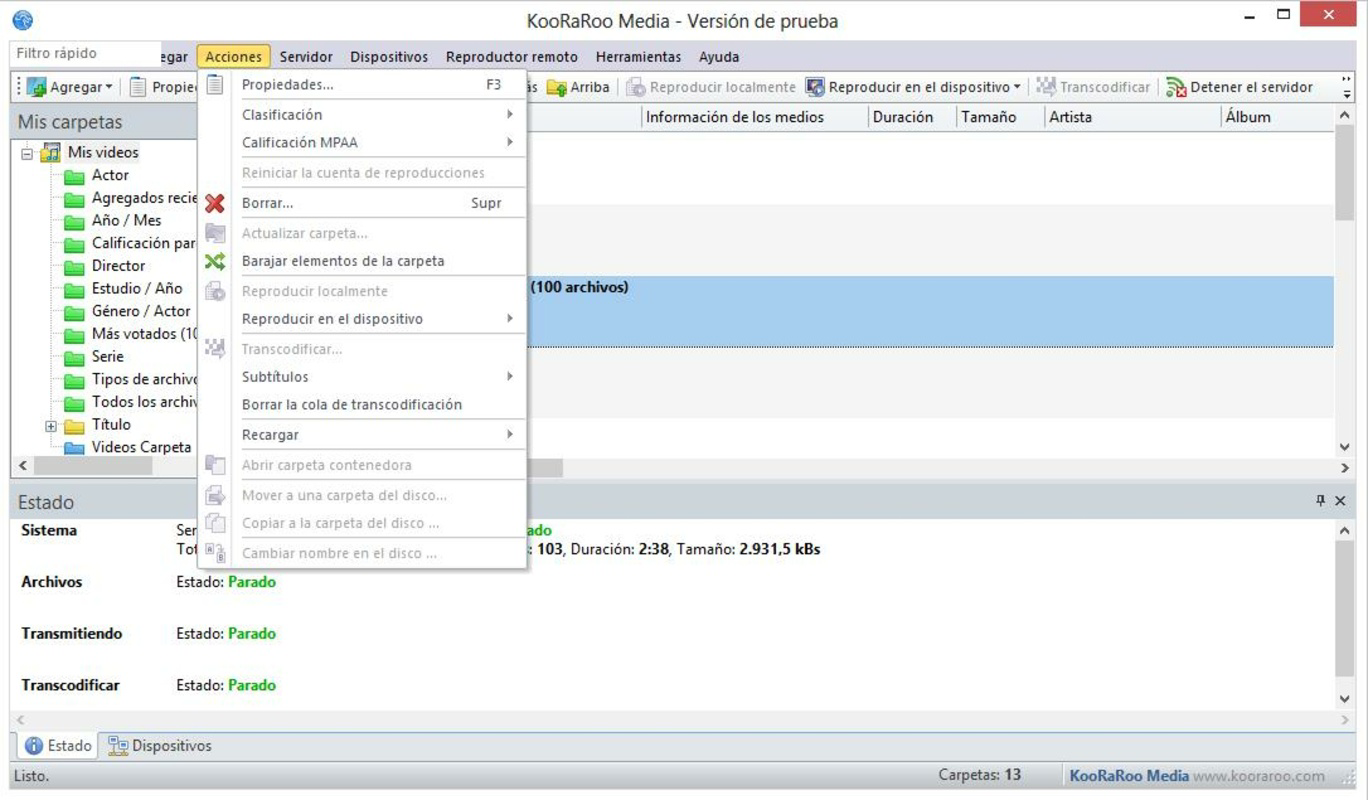
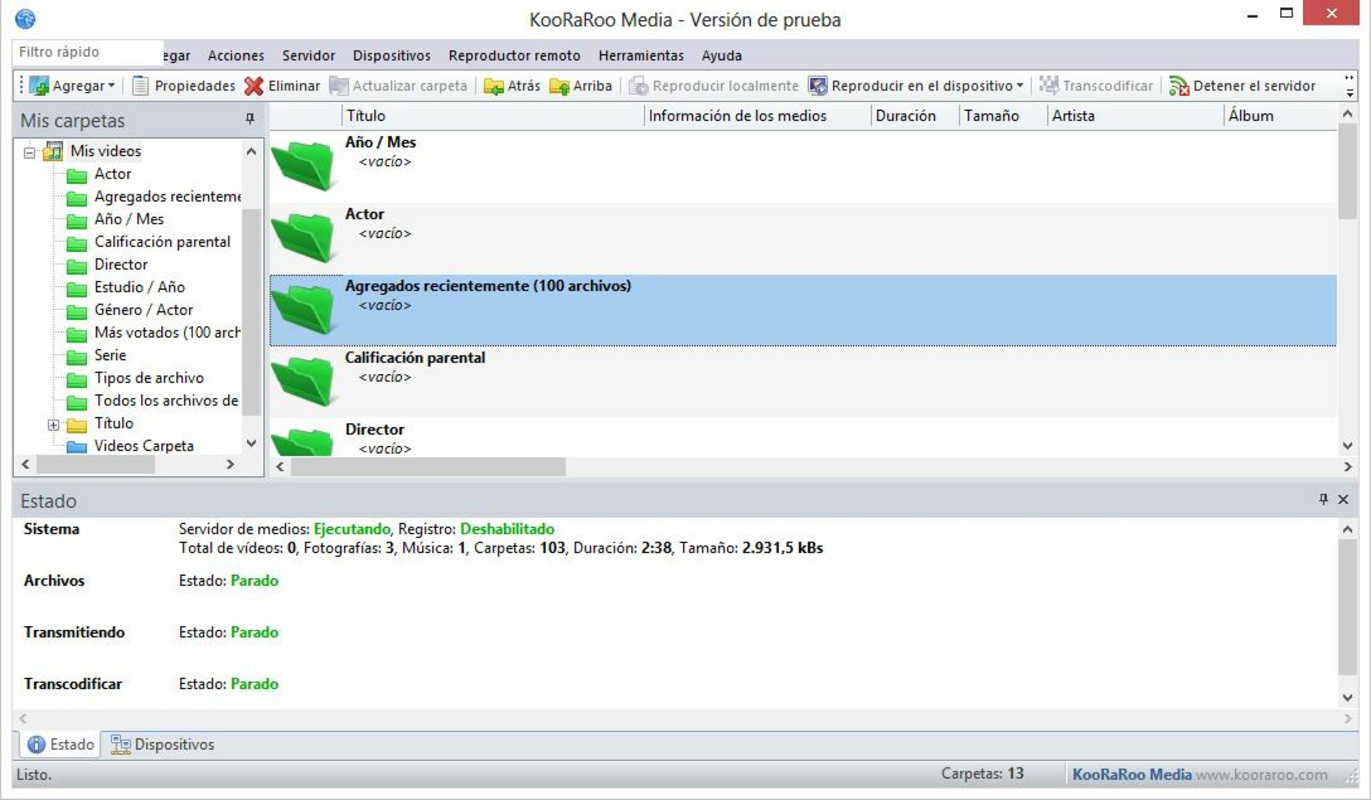
- Content Organization: Users can catalog multimedia files into custom folders and create personalized playlists, simplifying access to frequently watched or listened-to content. This feature is especially beneficial for managing large media libraries.
- Wide Format Support: KooRaRoo Media supports a broad range of video, audio, and image formats, ensuring compatibility with most common file types used in personal media collections.
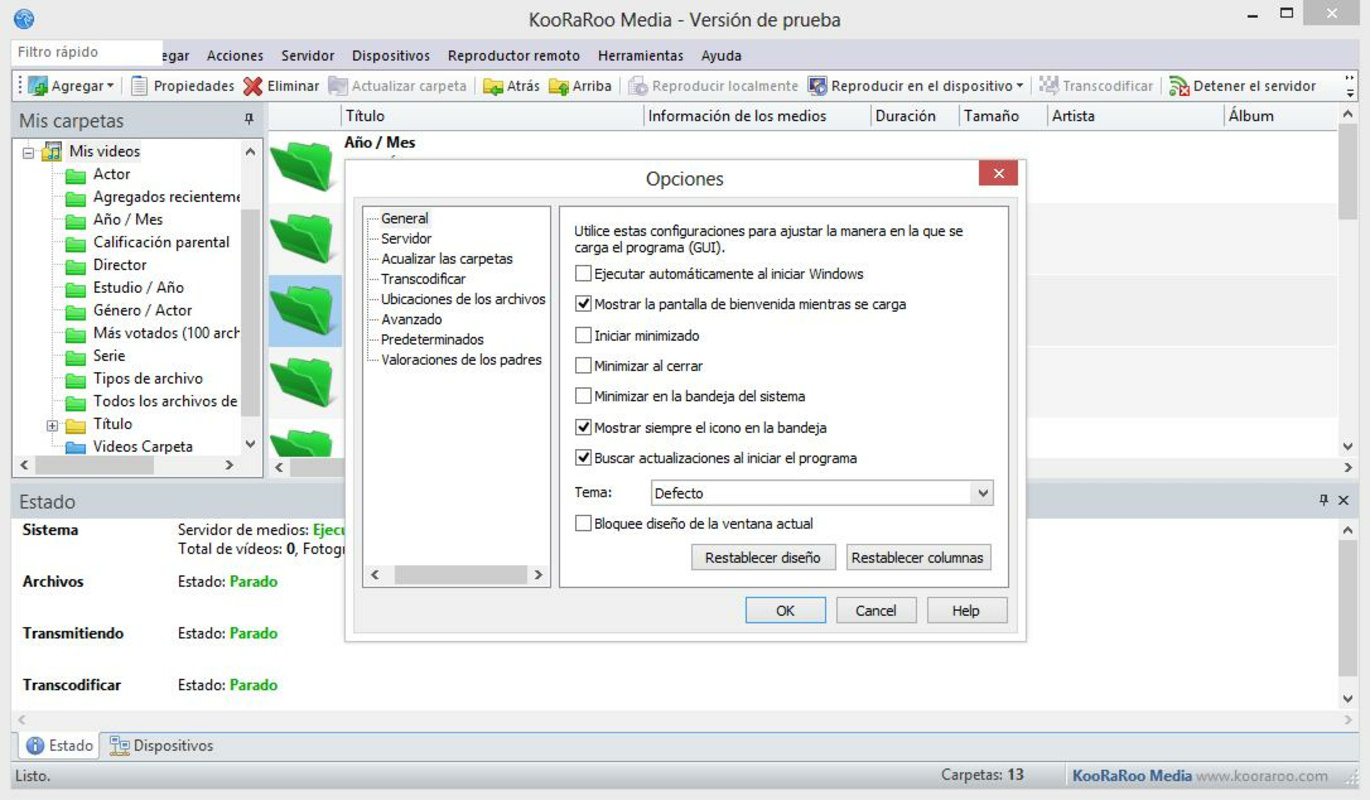
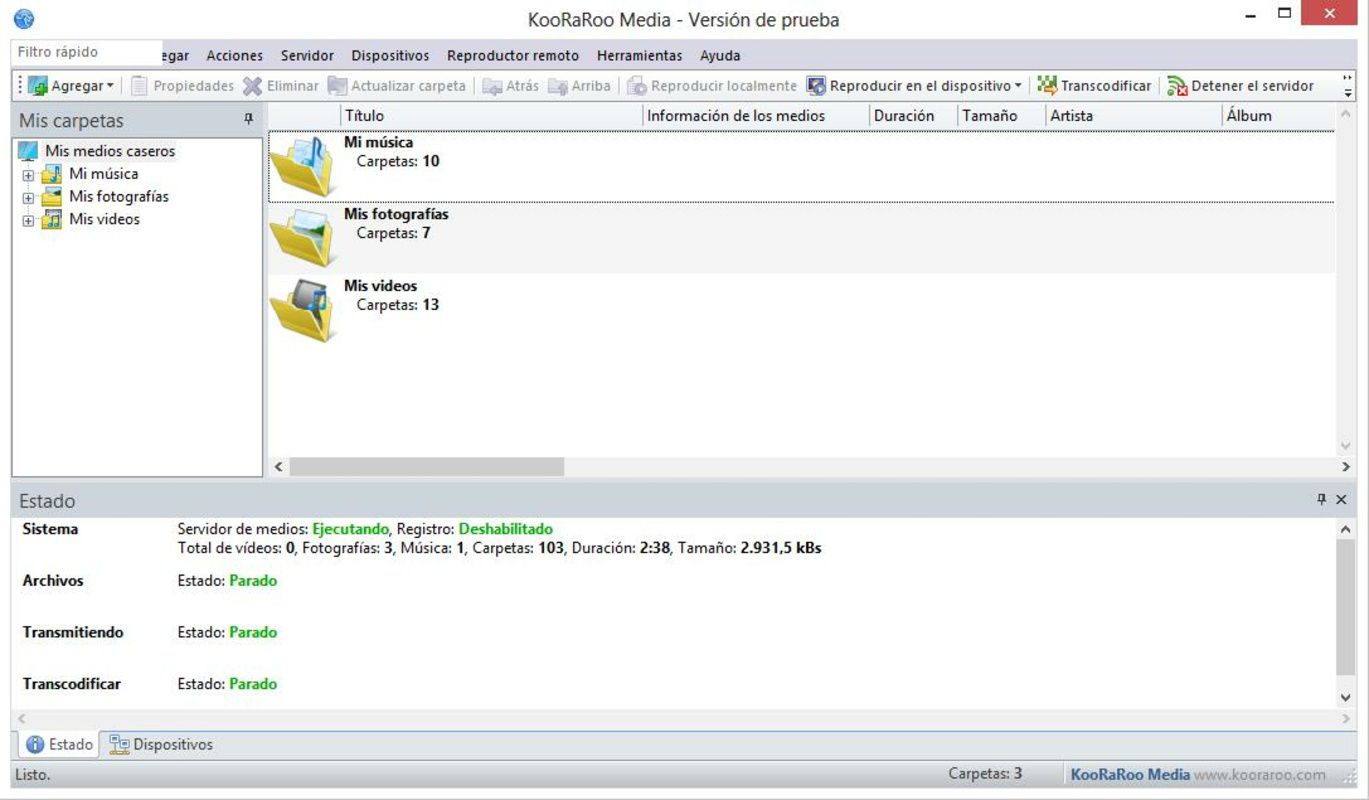
- User-Friendly Interface: The app uses a clean, list-based layout that enhances accessibility and makes navigation intuitive, even for users with limited technical experience.
- Parental Controls: A built-in parental control system allows users to restrict access to specific content, helping families maintain a safe viewing environment for children.
For example, a user can organize their movie collection by genre or year, then stream a selected film to their living room TV with a single tap. Similarly, a parent can set up a restricted profile to prevent children from accessing certain videos or audio files. The ability to manage content locally while streaming wirelessly makes the app ideal for households seeking a secure, customizable entertainment solution.
Interface, UX & Performance
The user interface of KooRaRoo Media is designed with simplicity and functionality in mind. It employs a list-based navigation system that presents media files in a clear, hierarchical structure, making it easy to browse through folders and subfolders. The visual style is minimalistic, focusing on content accessibility rather than decorative elements, which contributes to a distraction-free experience.
Navigating between media types—videos, audio, and images—is intuitive, with clear labels and consistent layout across sections. The app maintains responsive performance during playback, with minimal lag when switching between files or navigating through large directories. Although the developer did not list formal performance metrics, the lightweight file size of 3.5 MB suggests efficient resource usage, which likely contributes to smooth operation on a variety of Android devices.
Stability appears to be a strength, as the app has remained available since its 2015 release. Users can expect consistent behavior when streaming content across a local network, with no reported issues related to connection drops or playback errors. However, specific requirements for device compatibility or network conditions were not disclosed.
Platform Compatibility & Technical Requirements
KooRaRoo Media is available exclusively on the Android platform. The current version is 1.3.2, with a file size of 3.5 MB, indicating a lightweight and efficient application. The app is free to download and install, making it accessible to a broad audience seeking a no-cost media streaming solution.
The developer did not specify minimum OS requirements or device compatibility details. As such, users should ensure their Android device supports DLNA functionality and is connected to the same local network as the target playback device. Compatibility with older Android versions cannot be confirmed without further information. The app’s small size suggests it is optimized for low-resource environments, but actual performance may vary based on device hardware and network stability.
Pros and Cons
Pros
- Free to download and use with no in-app purchases
- Lightweight design (3.5 MB) ensures low storage impact
- Supports a wide range of media formats for versatile playback
- Intuitive interface suitable for users of all experience levels
- Includes parental controls for family-friendly use
Cons
- Specific OS requirements were not listed
- No official updates or changelog available
- Developer did not provide detailed technical documentation
- Limited visual customization options
- Only available on Android, with no iOS version announced
FAQ
Is KooRaRoo Media safe to download and install?
Yes, the app is free and available through official Android channels. As a lightweight utility, it does not require excessive permissions, reducing potential security risks.
Can I stream media from my phone to my smart TV?
Yes, provided your TV supports DLNA and both devices are connected to the same local network, you can stream videos, music, and photos from your Android device.
Does KooRaRoo Media support all video formats?
The app supports a wide variety of formats, though specific compatibility may depend on the device’s media codec support. The developer did not list all supported formats.
Is there a version for iOS devices?
Currently, KooRaRoo Media is only available for Android. No iOS version has been announced by the developer.
How often is the app updated?
The developer has not published an update schedule or changelog. The latest version available is 1.3.2, released in 2015.
Final Thoughts
KooRaRoo Media stands out as a dependable, no-frills solution for users seeking to stream local media files across their home network. Its focus on DLNA compatibility, format versatility, and family-friendly features makes it a valuable tool for organizing and sharing personal content. While the app lacks modern polish and recent updates, its core functionality remains effective for users who prioritize reliability and simplicity.
It is particularly well-suited for families, tech enthusiasts, and anyone building a home entertainment system without relying on cloud services. The free price point and minimal storage footprint enhance its accessibility. Despite missing some contemporary features, its foundational strengths remain relevant.
Download KooRaRoo Media now
Guides & Tutorials for KooRaRoo Media
How to install KooRaRoo Media
- Click the Preview / Download button above.
- Once redirected, accept the terms and click Install.
- Wait for the KooRaRoo Media download to finish on your device.
How to use KooRaRoo Media
This software is primarily used for its core features described above. Open the app after installation to explore its capabilities.
User Reviews for KooRaRoo Media 0
No reviews found


